What Hub is and who it is for
Hub is iabot’s product for companies that need their own web app —bookings, inventory, an internal panel— and do not have a development team. You describe it; Hub generates screens, a database and users. To create the app, Studio lives at hub.iabot.io.
I need an app to manage bookings for my clinic: clients, appointments, WhatsApp reminders and a panel for the team.

Applying changes
- Reading OceanBubble.jsx and the audio module OceanBubble.jsx
- Adding an aquatic sound when the bubble is tapped audio/glup.js
- Releasing secondary bubbles across the screen BubbleBurst.jsx
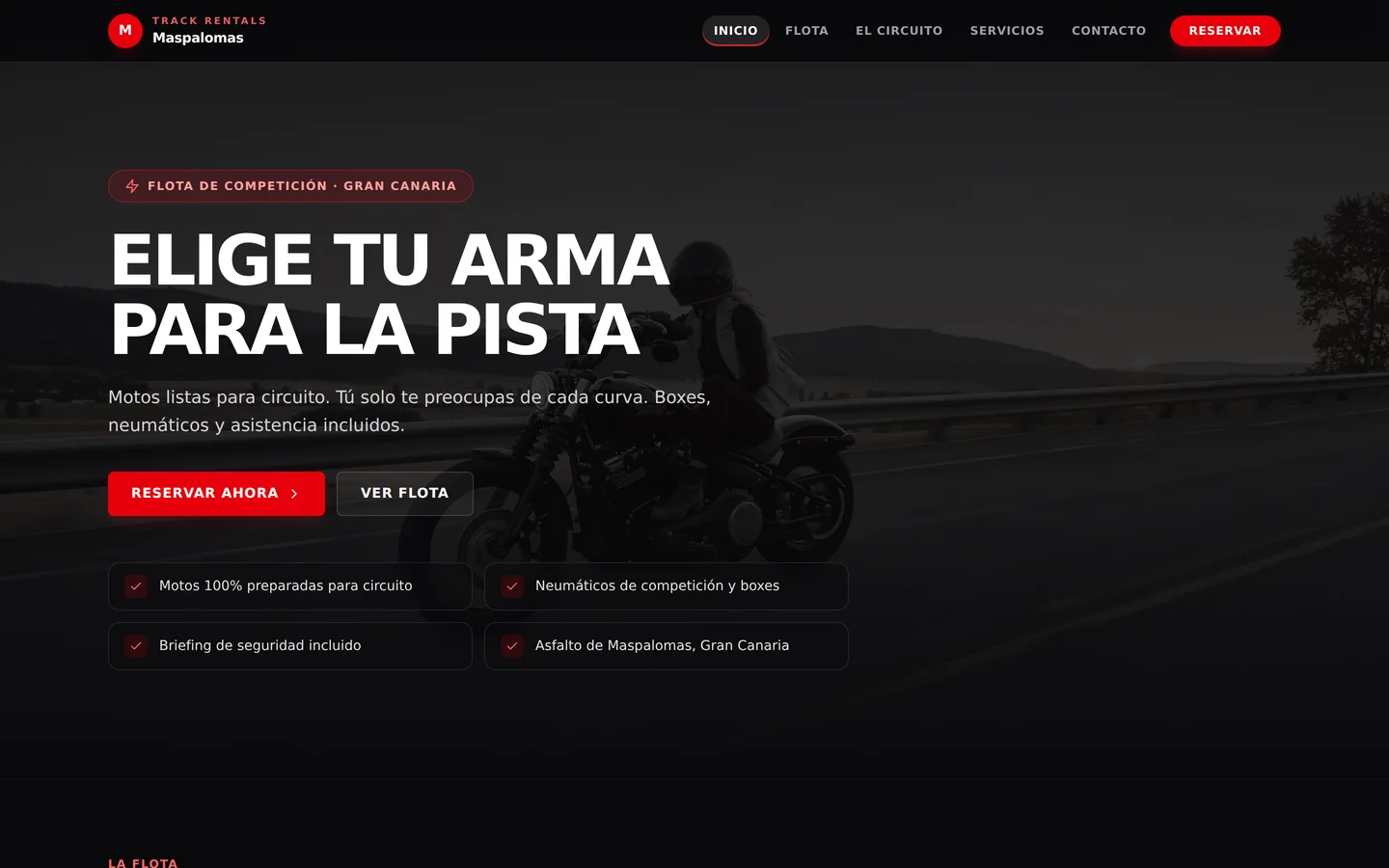
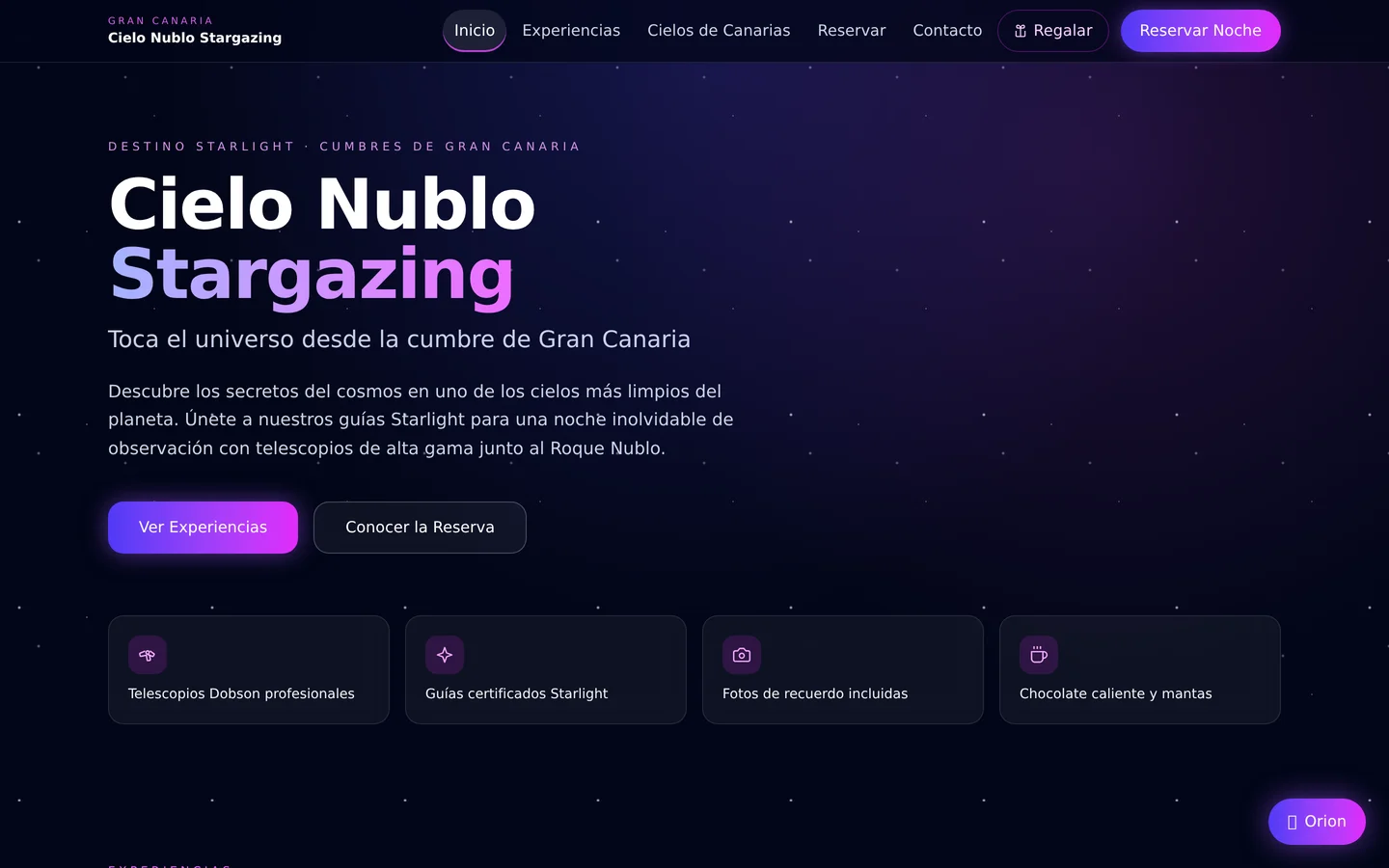
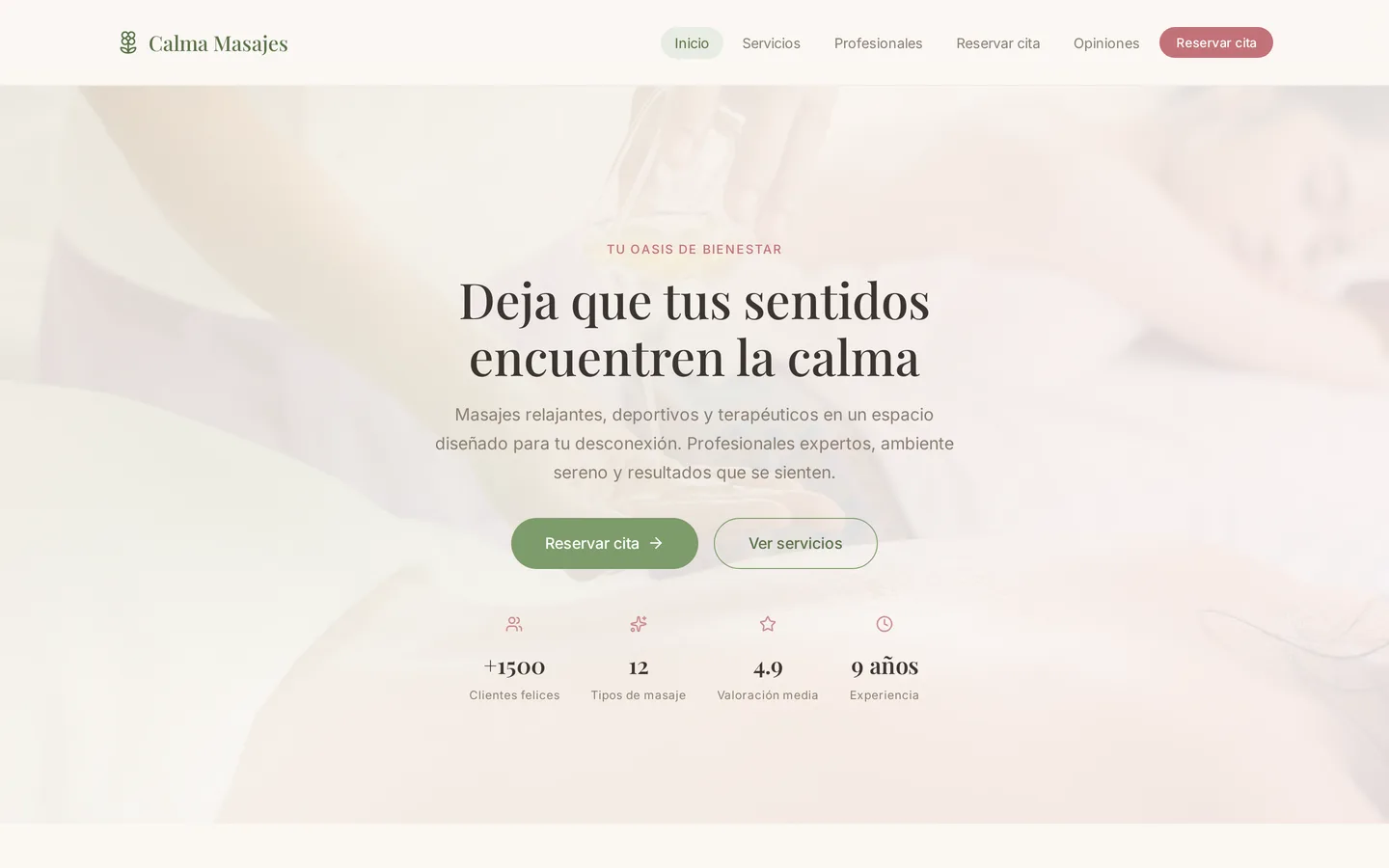
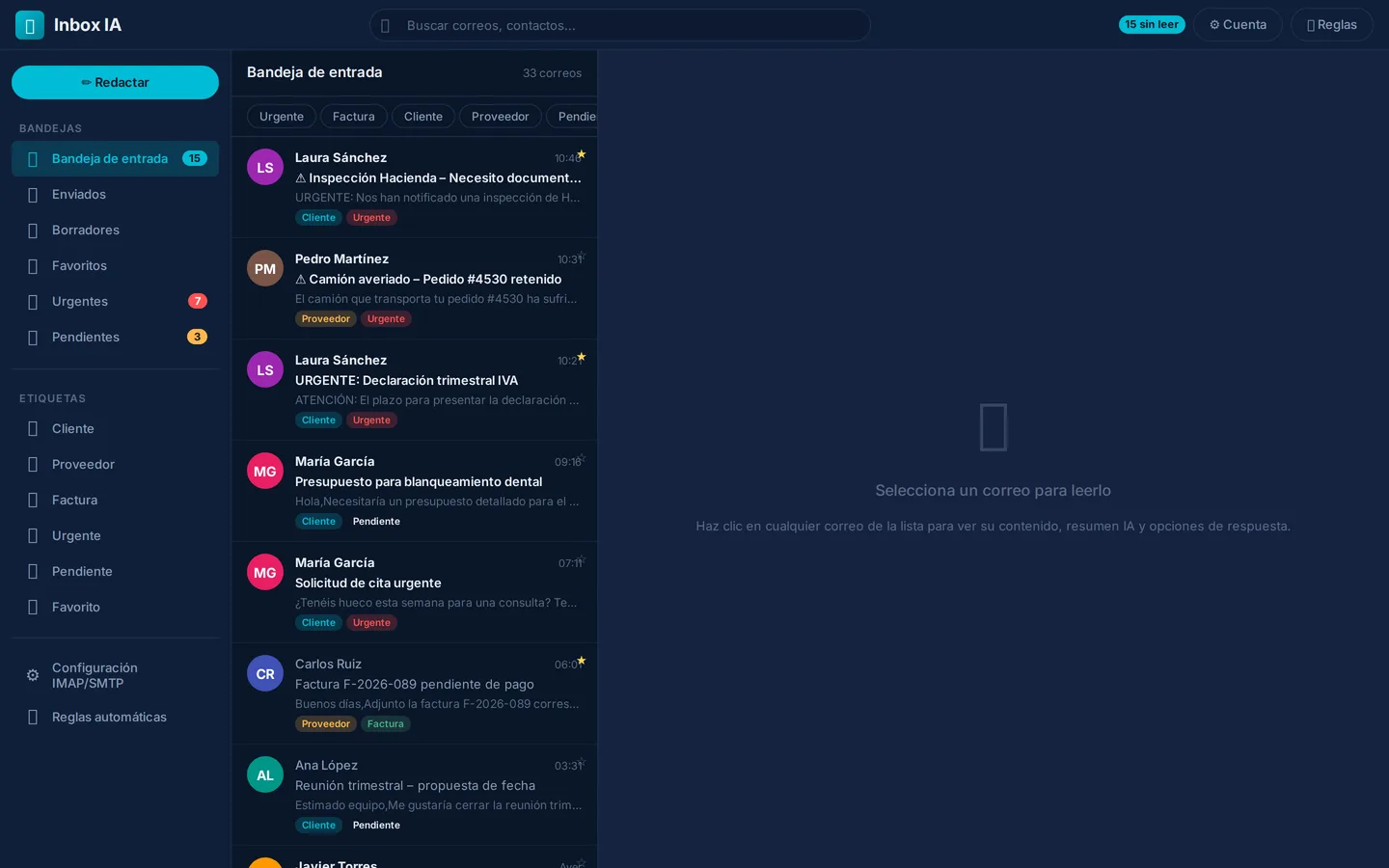
From the first message to a published app
Studio brings the conversation, preview and publishing into one Canvas. Each step leaves the next one ready to continue.
-
Start
Create a Canvas
Open a workspace with the Copilot ready for you to type or dictate.
-
Describe
Describe the app
Your first message starts building the screens, data and style.
-
Refine
Iterate in the chat
Request changes, attach a screenshot and check the result in Preview.
-
Share
Publish the app
When the preview looks right, the app becomes available at its own URL.
What’s included
-
Own database per app
Dedicated Postgres, reachable via REST API.
-
Accounts and permissions
Each person signs in and only sees what they’re allowed to.
-
Published in one click
A URL ready to share with your team or customers.
-
80+ connected resources
WhatsApp, Telegram, Stripe, language models, voice, OCR, PDF.
Some of the resources that come pre-connected
- Meta WhatsApp, Graph API
- Telegram Bot API
- Instagram Graph API
- Supabase Database + RAG
- Hostinger Hosting and domains
- Replicate Generative AI
- OpenRouter Multimodal AI
- Groq Ultra-fast LLM
- Google AI Gemini and Vertex
- ElevenLabs AI voice
- Twilio SMS and voice
- Stripe Global payments
- WordPress CMS
- PDF RAG Smart documents
- FFmpeg Audio and video
- + many more Explore the catalogue
Pricing, plans and full documentation: hub.iabot.io.
Who it’s for — and who it’s not
Who it’s for
- You want your own tool and are willing to describe it and iterate.
- You need real data, users with permissions and a URL to share.
- You prefer self-serve over a custom project from day one.
Who it’s not for
- You only want an autonomous assistant on WhatsApp or the web: that is iabot Flow, a different product. Conectar Flow, inside a Hub app, is not iabot Flow.
- The process is very specific and you don’t want to build it yourself: see Services.
- You want a fixed quote without touching the product: better start with an audit.
Frequently asked questions
For product detail, see Hub documentation.
Do I need to know how to code to use Hub?
Is Hub the same as iabot Flow?
Where are Hub prices and documentation?
What if I do not want to build it myself?
Continue in Hub
This page is the doorway. The product, pricing and docs live on hub.iabot.io.